
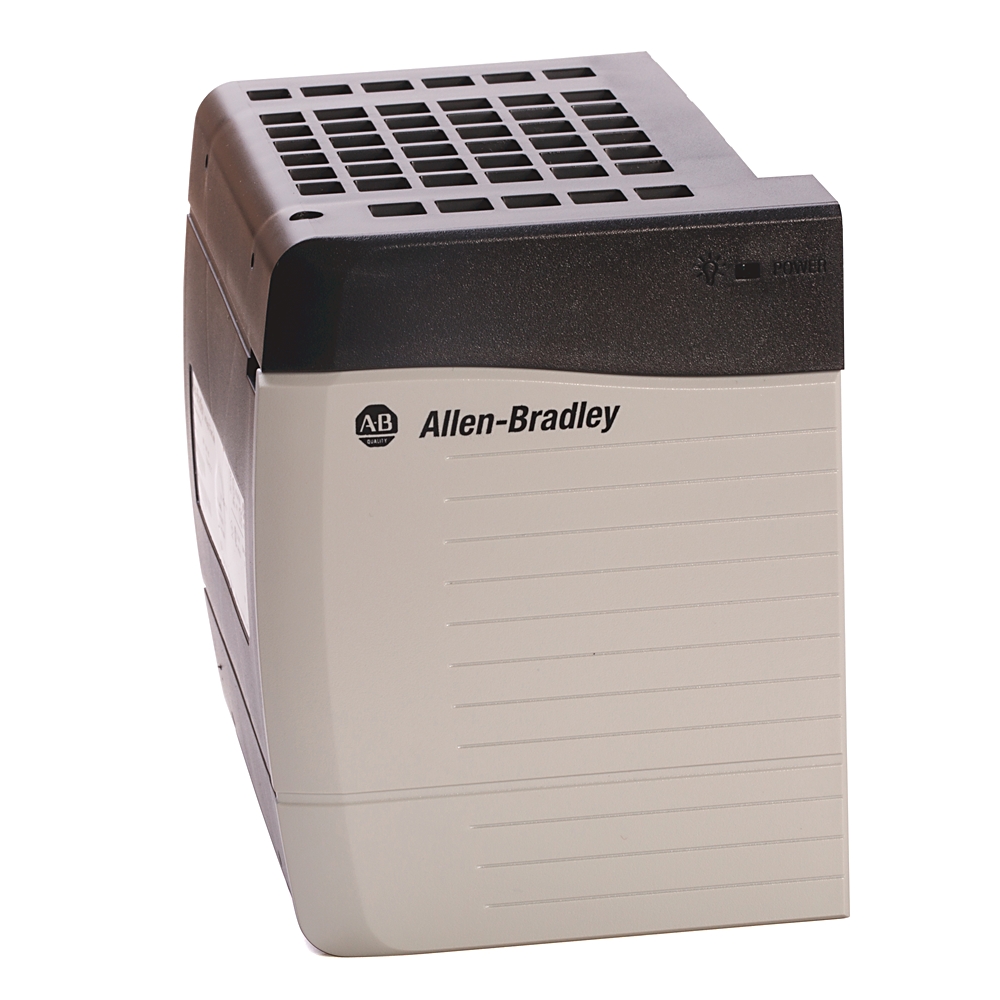



Product Introduction:
1756-PB72 is a high-performance redundant power module that supports three-phase or single-phase AC input, with a voltage range covering 85-265V AC (50/60Hz). It provides two independent channels of 5V DC/10A and 24V DC/1.5A DC output, with a total output power of 80W. It has overvoltage, undervoltage, overcurrent, and overheating protection mechanisms. It will automatically cut off the output and trigger an alarm in case of failure.
FAQ:
1.What is the input voltage range of the 1756-PB72, and what is the nominal input voltage?
- Input voltage range: 18 – 32V DC, wide range adapts to DC power supply fluctuations in different industrial scenarios, ensuring stable operation of the module when voltage fluctuates slightly.
- Nominal input voltage: 24V DC, the standard adaptive input voltage of the module. Most industrial DC power supply systems are configured with this voltage specification. It is also the recommended input voltage to ensure that the module reaches the best output performance (such as 75W rated output power).
2.In which specific slot does the 1756-PB72 need to be installed in the ControlLogix rack?
The 1756-PB72 needs to be installed in the leftmost slot in the ControlLogix rack.
1756-PB72 is adapted to ControlLogix’s A, B, and C series racks. Its installation position is the far left side of the rack as a fixed requirement. This ensures that it can stably distribute power to processors, I/O modules and other components in the rack, and also matches the power supply circuit design of the rack. Moreover, this power slot will not occupy the conventional slots on the rack used for installing signal modules, and will not affect the layout and assembly of other functional modules after installation.
3.The indicator light goes out when 1756-PB72 is running. What steps should be taken to troubleshoot the problem?
- Use a multimeter to measure the input voltage (18-32V DC) and check the power supply circuit, wiring terminals and fuses.
- Restart after 30-60 seconds of power outage to eliminate transient faults.
- Plug and unplug the module, check whether the rear connector is dusty or has damaged pins, and reinstall it securely.
- Connect to the compliant power supply separately for testing: if the light is on, troubleshoot the rack or other modules; if the light is still off, the module is faulty.
- If the module fails, please contact after-sales service for replacement. It is not recommended to disassemble it by yourself.


Reviews
There are no reviews yet.